
Zonifyr Schools
Phones available when they matter.
Restricted when learning matters.
A software-based approach to student device access — built around your campus, your bell schedule, and your school-defined policies.
The Challenge
The challenge every school knows.
Students need phones for safety and family communication. Teachers need instruction time without device negotiation. Both things are true — and most schools are caught between them.
Physical collection solves the classroom problem but introduces collection, storage, return, and emergency-access procedures that schools must manage daily.
Relying on teachers to enforce phone rules individually leads to inconsistency, variation by period, and a student experience that depends on individual staff decisions.
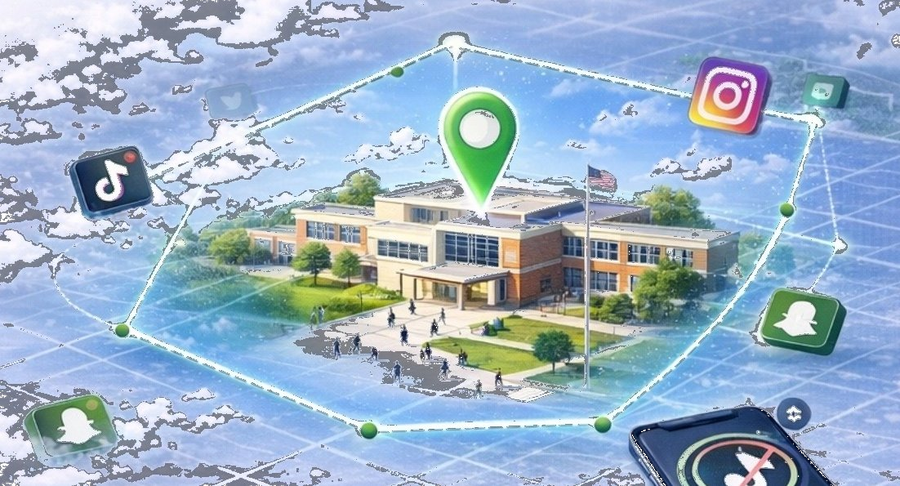
Zonifyr is a third option: structured, software-managed access that changes based on where students are and what they should be doing.
How It Works
Zone. Schedule. Policy.
Zone
Define where the policy applies — the entire campus, a specific building, a testing center, or any area with its own rules.
Schedule
Define when it applies — first period, lunch, testing windows, special events. Different moments can have different rules.
Policy
Define what the device may do during that Zone + Schedule — what is accessible, what is restricted, what communication is preserved.
A School Day Example
Policies follow the school day — not a single all-day restriction.
Arrival
School zone active. Bell schedule begins.
Class periods
Zone + schedule in effect. Policy reflects school-configured class rules.
Lunch
Schedule changes to lunch window. Policy adjusts automatically.
Testing
Special schedule active if configured. Policy adjusts for assessment period.
Dismissal
Device exits campus zone. School-period policy ends when the school context ends.
Availability depends on deployment configuration. See Technology.
Administrator Experience
Built for school administrators.
The admin portal gives designated staff the tools to configure, monitor, and adjust device policies without IT involvement for routine changes.
Schools & Zones
Define campus areas and geofenced policy regions.
Schedules
Build and manage bell schedules and policy windows.
Policies
Create and assign device access rules.
Users & Devices
Manage student accounts and device assignments.
Incidents & Alerts
Review flagged events and policy activity.
Audit History
Complete log of policy changes and administrative actions.
Available in the current pilot
Zones · Schedules · Policies · Administrative controls · Audit history
Why This Approach
A different approach to the same problem.
Physical phone-management systems are a reasonable choice. Zonifyr is an alternative — or a complement — for schools that want software-managed access.
| Physical approach | Zonifyr approach | Why it matters |
|---|---|---|
| Phone collected at start of day | Student keeps the phone throughout the day | Fewer physical-handling procedures; emergency access is simpler |
| Same rule applies all day | Policy changes with schedule and location | Lunch behaves differently from a testing period |
| Teacher-by-teacher enforcement | Software-assisted policy activation | More consistent across classes and staff |
| Rule varies by staff member | School-defined policy applied uniformly | Clearer expectations for students and families |
| Physical collection and return workflow | Digital administration in the admin portal | Less dependence on physical inventory processes |
Security & Privacy
Built with security and privacy in mind.
The Zonifyr Schools platform uses tenant isolation, role-based access controls, and audit logging. Each school operates in its own environment. Policy changes and admin actions are logged.
Zonifyr does not collect message content, call content, browsing history from personally owned devices, or personal communication data.
View Security DetailsDesigned with emergency access in mind.
Schools can configure policies around the communication functions they want to preserve. Exact capabilities depend on the device platform and deployment configuration.
Built within platform boundaries.
Zonifyr works within Apple and Android device-management frameworks — giving schools practical controls without bypassing operating-system security or user protections.
Platform availability details →Bring Zonifyr to your school.
A pilot starts with a short discovery conversation. We learn your campus, your bell schedule, your policy goals — then help you configure a pilot that fits your environment.
Contact
Tell us about your school, your current phone policy, and your goals.
Discovery
We review your campus layout, device environment, and policy needs.
Configure
We help you set up zones, schedules, and policies for your school day.
Pilot & Evaluate
Run the pilot. Measure results. Adjust based on what you learn.